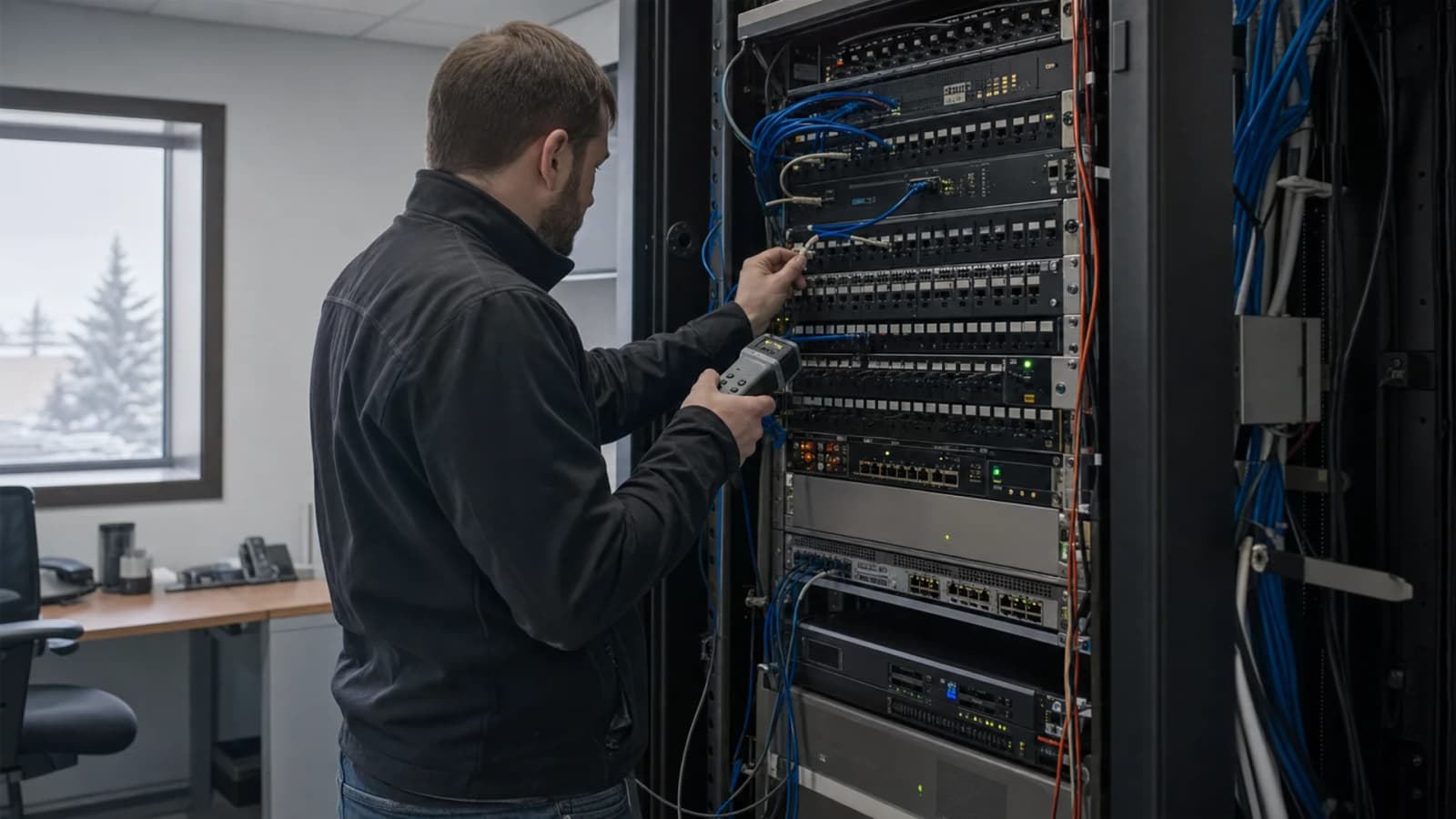
Office Relocation IT Setup in Edmonton
Khaled Mohamed
Founder & Network Engineer
Discover professional office relocation IT setup services in Edmonton for smooth business moves and minimal downtime.
Why IT Planning Is Critical During Office Moves
Relocating a business involves much more than moving desks and furniture. Technology infrastructure must be carefully planned and deployed to ensure business operations continue without interruption. A professional Office Relocation IT Setup helps organizations transition smoothly while minimizing downtime and productivity losses.
Without proper planning, businesses may encounter network issues, disconnected systems, hardware damage, and communication disruptions. These problems can delay operations and create unnecessary expenses.
A structured IT relocation strategy ensures all technology assets are transferred, configured, and tested before employees begin working in the new location.
Contact us today to plan your office relocation project.
Assessing Technology Before Relocation
Every successful Office Relocation IT Setup begins with a comprehensive assessment of existing technology infrastructure. Understanding the current environment helps businesses create a detailed migration plan.
Key assessment areas include:
- Network infrastructure
- Server environments
- Workstations
- Internet services
- Security systems
- Wireless networks
- Cabling infrastructure
- Backup solutions
Identifying requirements before relocation helps prevent surprises and ensures a smoother transition.
Creating a Detailed Relocation Plan
A successful Office Relocation IT Setup requires careful coordination between business leaders, IT professionals, internet providers, and relocation teams.
A relocation plan typically includes:
- Asset inventory
- Equipment labeling
- Migration schedules
- Network deployment timelines
- Vendor coordination
- Risk management procedures
Having a structured plan helps reduce confusion and ensures critical systems remain operational throughout the relocation process.
Network Installation at the New Office
Reliable connectivity is one of the most important components of an Office Relocation IT Setup. Before employees move into the new location, network infrastructure should be fully installed and tested.
Network deployment may include:
- Router installation
- Switch configuration
- Structured cabling
- Internet connectivity setup
- Wi-Fi deployment
- Network security configuration
A properly configured network enables employees to resume work immediately after the move.
Server Relocation and Deployment
Many organizations rely on servers to support critical business applications. A professional Office Relocation IT Setup ensures server migrations are completed safely and efficiently.
Server relocation services often involve:
- Equipment shutdown procedures
- Hardware transportation
- Rack installation
- Network integration
- Data verification
- Performance testing
Proper handling helps prevent data loss and minimizes downtime during the transition.
Workstation and Device Setup
Employee productivity depends on having fully functional workstations from day one. An organized Office Relocation IT Setup includes the deployment and configuration of all business devices.
Common setup tasks include:
- Desktop installations
- Laptop deployment
- Printer configuration
- Phone system setup
- Peripheral connections
- User account verification
Ensuring devices are operational before employees arrive reduces disruption and improves workplace efficiency.
Maintaining Security During Relocation
Business moves can create security vulnerabilities if technology systems are not handled properly. Professional Office Relocation IT Setup services help protect sensitive information throughout the relocation process.
Security considerations include:
- Secure equipment transportation
- Data protection procedures
- Access control verification
- Firewall deployment
- Network security testing
- Backup validation
Protecting business data during relocation reduces risk and supports compliance requirements.
Reducing Downtime During Office Moves
Minimizing downtime is a primary goal of every Office Relocation IT Setup project. Extended outages can impact productivity, customer service, and revenue generation.
Strategies for reducing downtime include:
- Detailed planning
- Phased migrations
- Preconfigured equipment
- After-hours implementation
- Comprehensive testing
- Backup connectivity options
A proactive approach helps businesses resume operations as quickly as possible.
How Tech OS Supports Office Relocation Projects
Business relocations require experienced technology professionals who understand the complexities of infrastructure migration. Tech OS helps Edmonton businesses plan and execute office moves with minimal disruption.
From network installations and server migrations to workstation deployment and security configuration, Tech OS provides comprehensive relocation support tailored to business requirements. Careful planning and expert execution help organizations transition smoothly while maintaining operational continuity.
Businesses benefit from experienced technicians who ensure technology systems are ready to support employees from the first day in the new location.
Choosing the Right IT Relocation Partner
Selecting the right provider for Office Relocation IT Setup is essential for a successful move. Businesses should choose a partner with experience managing complex technology transitions.
Important qualities include:
- Relocation expertise
- Project management skills
- Infrastructure knowledge
- Security experience
- Responsive support
- Proven track record
Tech OS works with Edmonton businesses to deliver reliable office relocation services that reduce risk, minimize downtime, and support long-term technology success.
Frequently Asked Questions
What is Office Relocation IT Setup?
Office Relocation IT Setup involves planning, moving, installing, and testing technology infrastructure when businesses relocate to a new office.
Why is IT planning important during office moves?
Proper planning helps prevent downtime, data loss, connectivity issues, and security risks during the relocation process.
What technology systems are typically moved?
Servers, workstations, networking equipment, wireless systems, security devices, printers, and communication systems are commonly relocated.
How can businesses reduce downtime during relocation?
Detailed planning, preconfigured equipment, phased implementation, and professional support help minimize disruptions.
Should network infrastructure be installed before employees move?
Yes. Networks, internet services, and wireless systems should be fully operational before employees begin working at the new location.
How is data protected during office relocation?
Businesses should implement backup procedures, secure transportation methods, and security testing throughout the move.
How do I choose an IT relocation provider?
Look for experience, project management capabilities, technical expertise, and a strong record of successful office relocation projects.
Explore our office IT setup if you want help applying this guidance to your business environment.
Founder & Network Engineer
Edmonton-based IT professional at TechOS, helping Alberta businesses stay secure, productive, and ahead of evolving technology challenges.
Get a Free IT Assessment
Talk to our Edmonton team about your infrastructure, security gaps, and the right IT plan for your business.
Book Assessment