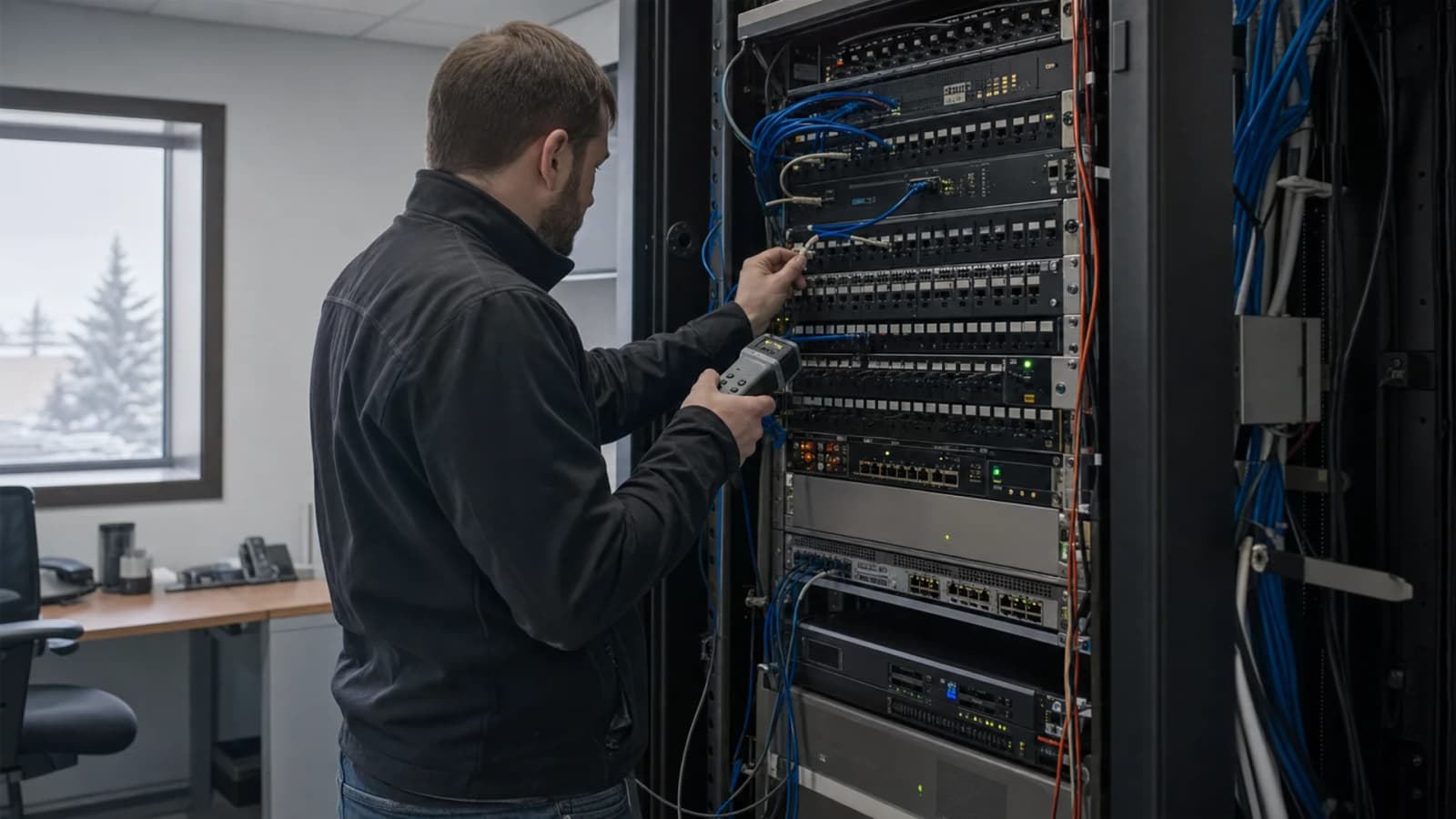
Office Internet Problems in Edmonton: Is It Your Provider or Your Network?
Khaled Mohamed
Founder & Network Engineer
Your office internet keeps dropping. Learn how to tell if the fault is with Telus or Rogers, or inside your own network, before you spend money on the wrong fix.
Your internet drops for two minutes. It comes back. An hour later it happens again.
Most Edmonton offices call their internet provider first. Sometimes that is right. Often it is not, and you wait on hold to be told the circuit looks fine.
Here is how to work out which side the problem sits on before you pick up the phone. If your provider says the line is clear, our Edmonton business network troubleshooting team can test your cabling, switches, firewall, and Wi-Fi.
The 60-second check
Three questions get you most of the way there.
Is one device affected, or the whole office? If one laptop is offline and everyone else is fine, the problem is that laptop. If everyone drops at the same moment, look at the shared gear or the provider.
Does a wired computer still work? Plug a laptop straight into a wall port with a network cable. If wired works and Wi-Fi does not, your internet is fine. The problem is your Wi-Fi.
Is your provider reporting an outage? Check the Telus or Rogers status page from your phone on cell data, not office Wi-Fi. If they list an outage in your area, you have your answer.
Signs it is your internet provider
A few patterns point outward, not inward.
- Every device loses access at the same second. Wired and wireless, all at once.
- Your modem or fibre box shows a warning light. A red or flashing status light on the provider's own box usually means the line, not your network.
- The drop follows a pattern. Same time each morning, or every time the weather turns.
- A wired computer plugged straight into the modem also fails. This is the clearest test. If you bypass all your own gear and it still drops, the fault is upstream.
What to tell your provider when you call. Have this ready and the call goes faster:
- The exact times the drops happened, over the last few days
- Whether wired and wireless both failed
- The result of plugging directly into their modem
- Your account number and the address of the affected site
Providers move quicker when you hand them evidence instead of a complaint.
Signs the problem is inside your office
If the provider checks out, the fault is on your side. These are the usual causes, in the order a technician tests them.
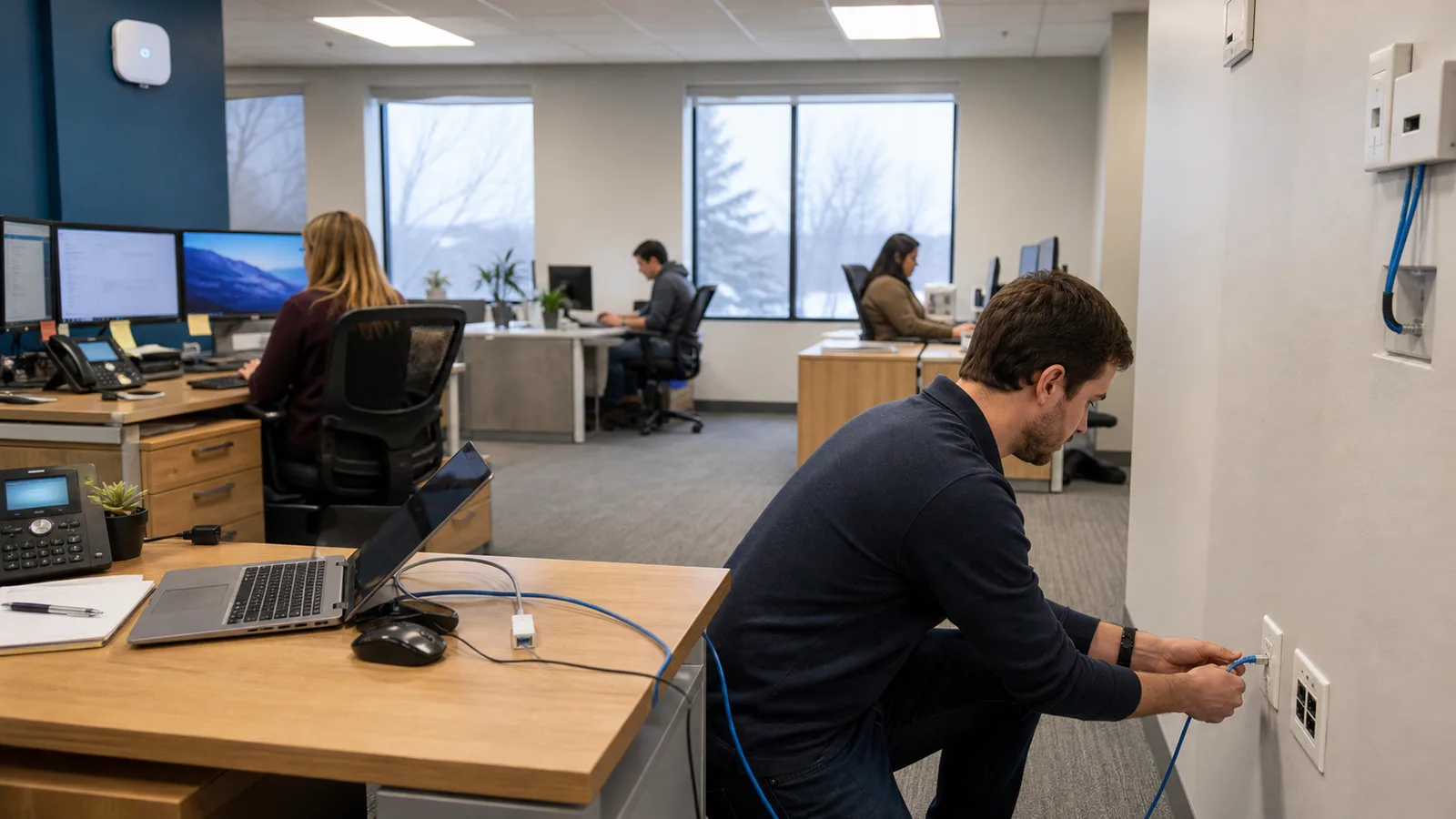
A bad cable or switch port. Cables get crushed by chairs, pinched behind desks, or damaged during a renovation. A failing port drops one desk or one whole run.
DHCP or DNS trouble. Two plain-language versions. DHCP hands out addresses to your devices. DNS turns website names into numbers. When either stops working, your internet looks broken even though the line is fine.
A router or firewall under load. Older gear runs out of memory when too many people or devices connect. It works, then stalls, then works again.
Wi-Fi interference. Neighbouring networks, microwaves, and Bluetooth-heavy areas all crowd the same channels. This gets worse in shared office buildings where a dozen businesses run their own Wi-Fi.
Access points in the wrong place. One router in a corner cannot cover a full floor. Dead zones in back offices and warehouses are almost always a placement problem, not a speed problem.
Why the same problem keeps coming back
Reboots feel like a fix. They are not. Restarting clears the symptom and leaves the fault sitting there, waiting.
Repeat problems usually trace back to one of these:
- Gear past its life. Switches and routers that are seven or eight years old start failing in small ways first.
- Cabling that was never tested. A marginal cable passes on a good day and fails on a warm one.
- Wi-Fi that outgrew the office. The setup worked for eight people. You now have twenty.
- No documentation. When nobody has a record of what is plugged in where, every fault becomes guesswork.
That last one matters more than most people expect. In the 2026 network outage report, configuration and change management failures accounted for 45% of network-related outages, ahead of third-party provider failures at 39%. More network problems start with a change nobody wrote down than with the provider.
Edmonton conditions that cause network problems
Local buildings and weather add their own faults.
Older buildings downtown and along the river valley. Thick walls and limited conduit block both signal and cable runs. Wi-Fi that works in an open modern suite fails in a 1960s office.
Metal racking in Nisku and the airport corridor. Warehouse shelving reflects and blocks Wi-Fi. Coverage that tested fine in an empty building disappears once the racks are loaded.
Storms, power flickers, and the deep freeze. Cold snaps and storms affect provider links and building power. A brief power dip can leave a switch in a bad state even after everything else comes back.
Shared office and clinic Wi-Fi. In medical buildings and shared suites, a dozen networks compete for the same channels. Your Wi-Fi did not get worse. Your neighbours got busier.
Symptom, likely cause, and who owns the fix
| Symptom | Likely cause | First safe check | Who fixes it |
|---|---|---|---|
| Everything drops at once, wired and wireless | Provider circuit | Plug into the modem directly | Telus or Rogers |
| One desk offline, others fine | Cable or switch port | Try a different port or cable | Network technician |
| Wi-Fi fails, wired works | Access point or interference | Test wired on the same desk | Network technician |
| Slow only in the back office | Coverage or placement | Check signal in that room | Network technician |
| Devices connect but no websites load | DNS or DHCP | Try a known IP address | Network technician |
| Drops return after every reboot | Failing hardware | Note the times it happens | Network technician |
| Printer or scanner drops off | Device or address conflict | Restart that one device | Device vendor |
When to call for network support
Some problems are worth an hour of your own time. These are not:
- Several staff are affected and it is costing real work time
- The problem keeps returning after reboots or a provider visit
- The fix needs firewall, switch, or VLAN work that nobody in the office is set up to do
- Your provider says their service is fine but your team still cannot work
At that point you need someone to test the whole path, end to end, with proper tools.
TechOS has supported Edmonton offices, clinics, and warehouses since 2018. If your connection keeps failing, we can test the full path across your cabling, switches, firewall, and Wi-Fi. If the trouble is coverage rather than faults, office Wi-Fi installation and optimization fixes dead zones at the source.
Call (780) 999-3432 or book a free assessment.
Frequently asked questions
Who do I call about my Wi-Fi?
Call your provider if every device is offline and they own the modem or router. If wired works but your own Wi-Fi gear fails, call a network technician.
Why isn't my Wi-Fi working even though everything is plugged in?
Power lights only show that a device has electricity. A locked access point, bad switch port, DHCP issue, or interference can still stop network traffic.
What causes a Wi-Fi router to stop working?
Heat, age, and too many connected devices can make a router stall. A power flicker can also leave it stuck until it gets a full restart.
How do I fix network issues on a computer?
Restart the computer, try another cable or port, then test a second device. If both devices fail, the problem is likely in the network.
What blocks a Wi-Fi signal in an office?
Concrete, brick, thick plaster, and metal shelving weaken Wi-Fi. Lift shafts, coated glass, and large appliances can also create dead zones.
Need help with your clinic systems? See our healthcare IT support for Edmonton medical clinics for EMR workstation support, staff access, tested backups, cybersecurity, and vendor coordination.
Founder & Network Engineer
Edmonton-based IT professional at TechOS, helping Alberta businesses stay secure, productive, and ahead of evolving technology challenges.
Get a Free IT Assessment
Talk to our Edmonton team about your infrastructure, security gaps, and the right IT plan for your business.
Book Assessment