Microsoft 365 Security
Microsoft 365 hardening that protects email, files, and accounts for Edmonton businesses.
Multi-factor authentication setup adds a second step to your Edmonton team logins so a stolen password alone cannot get an attacker in. TechOS turns on MFA across your email, apps, and remote access, then sets it up so it protects accounts without slowing staff down. It is one of the simplest changes with the biggest payoff against account takeover.
Multi-Factor Authentication Setup for Edmonton Teams
We turn on multi-factor authentication across your email, apps, and remote access so a stolen password is no longer enough to break into your accounts.
Google reviews
Visible proof from TechOS clients on Google, covering response time, clear communication, and practical help when work gets interrupted.
“TechOS got my computer up and running quickly after malware issue. Very reasonable price, and professional service. I also got remote support.”
Review highlight
Remote support
“Had a power supply go on a Saturday morning, and TechOS picked it up by noon and had it delivered before most other companies could even look at it.”
Review highlight
Saturday pickup by noon
“Khalid is the computer repair guy you're looking for. Quick turn around, trustworthy, and very reasonable prices.”
Review highlight
Quick turnaround
Reviews shown are selected from public Google reviews that match the service or support themes on this page. Google does not verify reviews, but checks for and removes fake content when found. Use the Google Maps links to see source reviews and report concerns.
| Best fit | Most local offices run Microsoft 365. We turn on MFA there first since email is the account attackers want most. |
|---|---|
| Common trigger | Stolen passwords open the door |
| What TechOS checks | Account inventory |
| Typical hand-off | MFA rollout plan with pilot and communication steps |
Service explained
Multi-factor authentication setup adds a second step to your Edmonton team logins so a stolen password alone cannot get an attacker in. TechOS turns on MFA across your email, apps, and remote access, then sets it up so it protects accounts without slowing staff down. It is one of the simplest changes with the biggest payoff against account takeover.
We turn on multi-factor authentication across your email, apps, and remote access so a stolen password is no longer enough to break into your accounts. For Edmonton businesses, this means practical support that is easy to understand, easy to request, and tied to the way your team actually works.
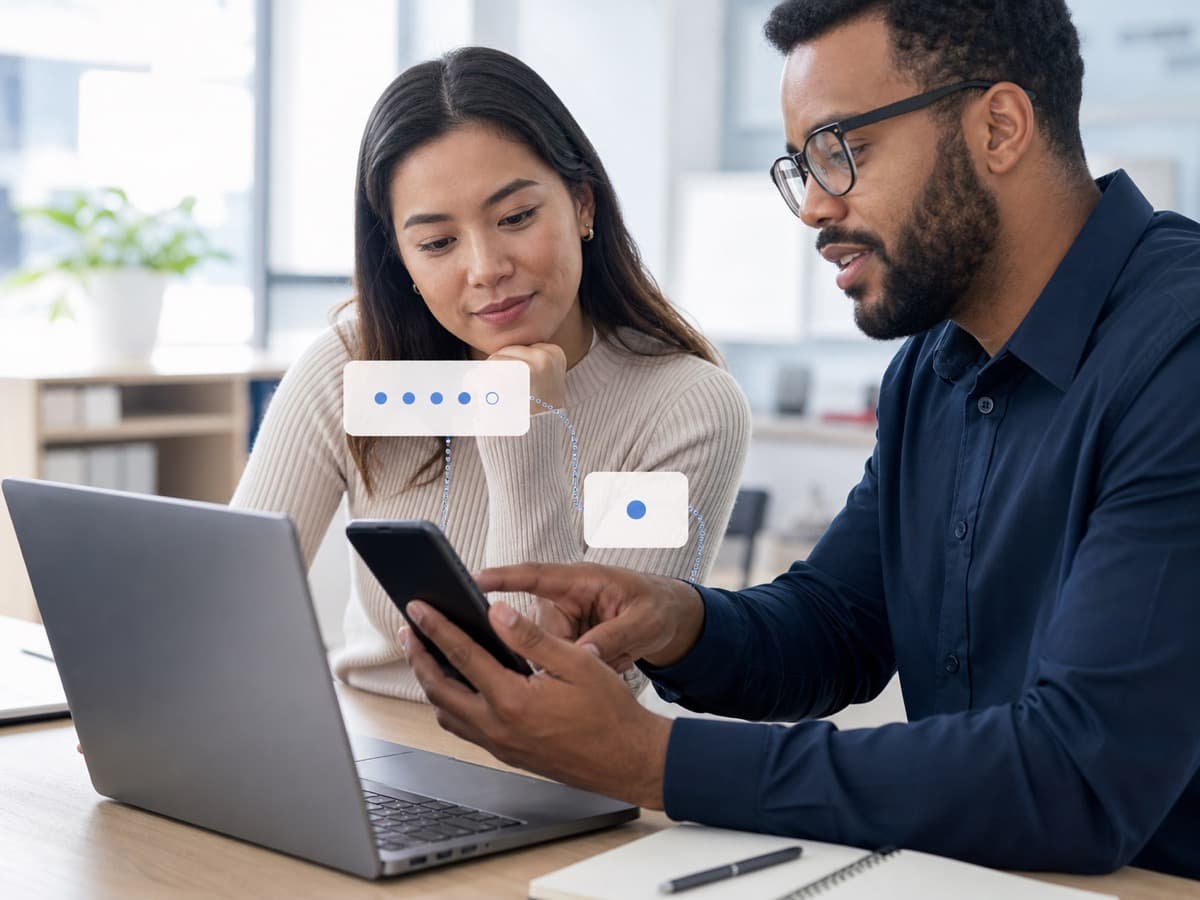
Buyer guidance
Data point
Microsoft reports that more than 99.9% of compromised accounts do not have MFA, which is why Microsoft 365 and remote access hardening should start with strong sign-in controls.
Source: Microsoft security guidanceUsers, admins, shared mailboxes, service accounts, break-glass accounts, and stale accounts.
Authenticator app, number matching, hardware keys, SMS risk, backup methods, and recovery process.
Location, device trust, risky sign-ins, legacy authentication, and exceptions that need approval.
Staff communication, training, pilot users, helpdesk coverage, and lockout prevention.
Process
TechOS handles multi-factor authentication setup by reviewing the current environment, setting priorities, doing the highest-impact fixes first, and documenting the work. Each step ties back to ticket history, user impact, security risk, and the practical next action your Edmonton team needs to keep work moving.
We map your email, apps, and remote access to see which logins need a second step first.
We choose MFA options that fit your team, balancing strong security with logins that stay quick.
We turn on MFA account by account and walk each staff member through setup so no one gets stuck.
We check that every key account is protected, set up backup options, and help with any login questions.
Technical scope
The technical scope for multi-factor authentication setup covers the systems, access, documentation, and hand-offs that decide whether the work lasts after the visit. TechOS checks the visible issue, the related infrastructure, and the ownership trail so your team is not left with a temporary fix or unclear vendor boundary.
Questions to ask
Ask these questions before approving scope, timing, or budget. They help confirm whether the work includes documentation, ownership, security impact, and the follow-up needed after the first fix.
A thoughtful rollout includes pilots, backup methods, and support during enrollment.
Administrators should have stronger controls because a compromised admin can damage everything.
Older protocols and apps may not support MFA. They need review before enforcement.
Local considerations
Multi-Factor Authentication Setup in Edmonton needs to fit real offices, clinics, job sites, warehouses, hybrid staff, and limited internal IT time. TechOS connects local response with documented standards so support decisions are based on risk, business disruption, and what your staff need to stay productive.
See how we support businesses across our Edmonton service area.
Most local offices run Microsoft 365. We turn on MFA there first since email is the account attackers want most.
Edmonton clinics need strong login protection on systems holding patient data. MFA supports HIA compliance and keeps records safer.
Edmonton cyber-insurers ask for MFA before they cover you. We set it up and document it so your paperwork goes through.
| Benefit 1 | A stolen password alone can no longer get in |
|---|---|
| Benefit 2 | Strong protection on email and remote access |
| Benefit 3 | A simple change with a big drop in account takeover |
| Benefit 4 | A box checked for cyber-insurance and compliance |
TechOS has served Edmonton businesses since 2018, supporting healthcare teams and small businesses across the region.
Your work is backed by certifications and vendor experience across Cisco CCNP, Fortinet FCP, Sophos Certified Engineer, Microsoft 365 Certified, CompTIA Security+, plus Microsoft, Cisco, Fortinet, Sophos, Aruba, HPE, and Palo Alto ecosystems where they fit the environment.
TechOS has a 4.9 Google rating across 40 reviews, with public feedback that mentions plain-English guidance, remote support, and fast onsite response.
For a phishing or ransomware concern, this often means tightening MFA, email filtering, endpoint protection, firewall rules, backup recovery, and staff reporting paths.
FAQs
Barely. After setup, staff approve a quick prompt or enter a short code. We tune it so trusted devices ask less often.
We set up backup options during rollout, so a lost phone does not lock anyone out of their account.
Start with email and remote access, then add Microsoft 365 and admin logins. We protect every account that matters.
Yes. Most insurers now require MFA. We set it up and document it so you meet the condition for coverage.
We set up MFA for businesses across Edmonton, St. Albert, Sherwood Park, Leduc, Fort Saskatchewan, Spruce Grove, Beaumont, and Nisku.
Related TechOS Services
Microsoft 365 hardening that protects email, files, and accounts for Edmonton businesses.
Cybersecurity services for Edmonton businesses from a local cyber security company, built around a real risk assessment and 24/7 monitoring.
Email filtering and phishing protection that stops inbox attacks for Edmonton businesses.
Managed EDR endpoint protection for laptops, desktops, and servers across Edmonton businesses.
Layered ransomware defense and tested backups for Edmonton businesses that cannot afford downtime.
Setup, monitoring, and upkeep of business firewalls for Edmonton offices and clinics.
Staff security training that turns your Edmonton team into a strong first line of defense.
Security audits and vulnerability scans that reveal real risks for Edmonton businesses.
24/7 monitoring and fast threat response from a local Edmonton security team.
No obligation. Just honest expert advice from a local Edmonton team who understands your business.
Phone
(780) 999-3432
info@techos.ca
Office
5325 Admiral Girouard Street NW, Edmonton, AB T5E 6X5, Canada
Hours
Mon – Fri, 8:30 am – 6:00 pm
Google Business Profile
Directions, hours, photos, and reviews
Fill in your details and we'll get back to you shortly.