Onsite vs Remote Cost Compare for Business IT Support
Khaled Mohamed
Founder & Network Engineer
Learn the differences between onsite and remote IT support costs and choose the right option for your company.
Understanding IT Support Cost Models
Businesses today have multiple options when it comes to managing technology support. One of the most common questions decision-makers ask is whether onsite support or remote support provides better value. An effective Onsite vs Remote Cost Compare helps organizations understand the financial and operational impact of each approach.
Both service models offer unique advantages. While remote support often provides faster access to technicians, onsite services deliver hands-on assistance for infrastructure, hardware, and complex technology issues. Choosing the right model depends on business needs, infrastructure complexity, and long-term goals.
Understanding the cost differences helps companies make informed technology decisions.
Contact us today for a personalized IT support cost assessment.
What Is Remote IT Support?
Before conducting an Onsite vs Remote Cost Compare, it is important to understand how remote support works. Remote IT support allows technicians to access devices and systems through secure software tools without physically visiting the business location.
Remote support commonly handles:
- Software troubleshooting
- Email issues
- User support requests
- Account management
- Cloud service assistance
- Application configuration
Because technicians do not need to travel, remote support often provides faster response times and lower service costs for routine issues.
What Is Onsite IT Support?
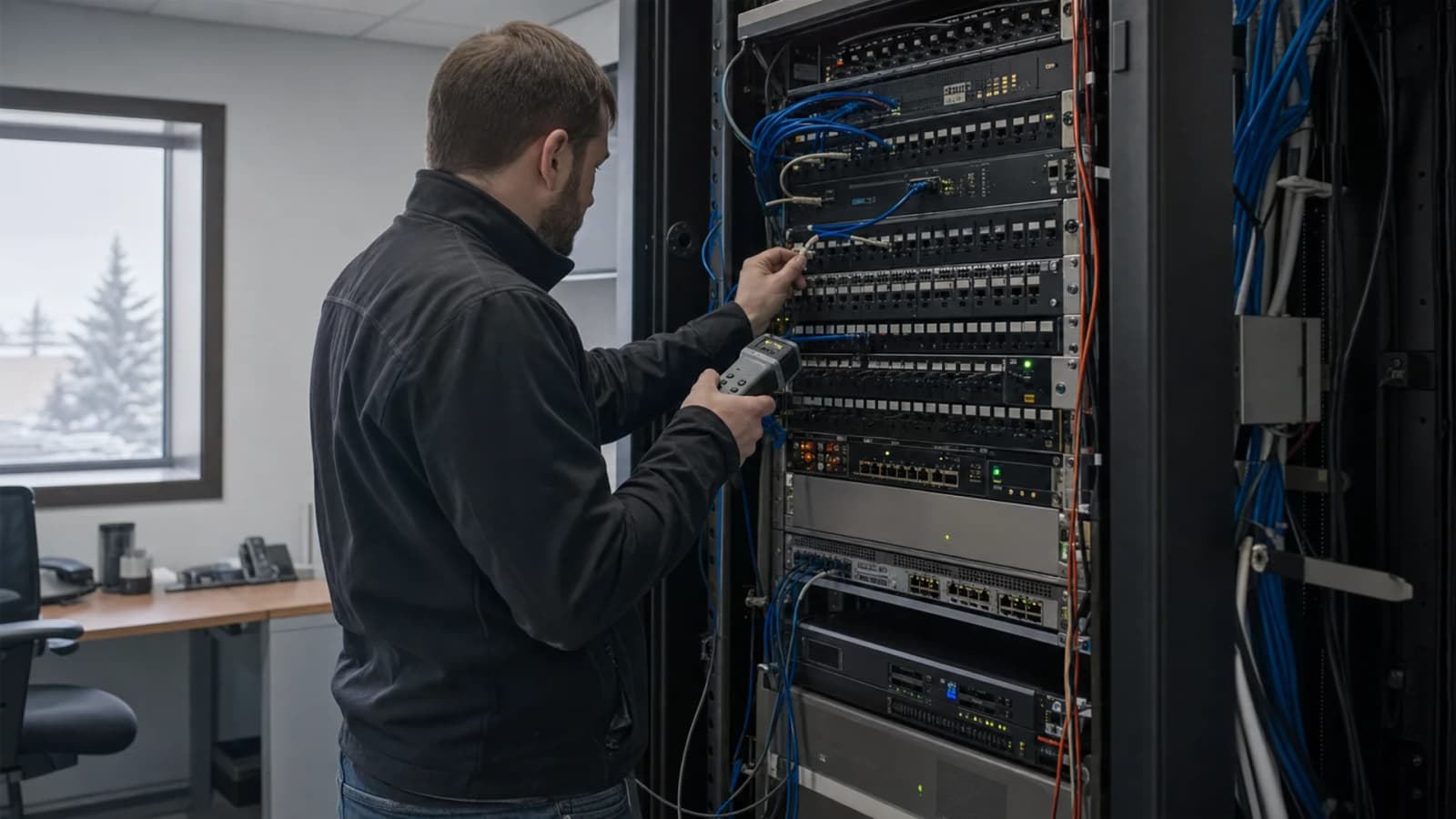
A proper Onsite vs Remote Cost Compare must also consider the value of onsite support. Onsite IT services involve technicians visiting business locations to diagnose, repair, install, and maintain technology systems.
Common onsite services include:
- Hardware replacement
- Server deployment
- Network installation
- Structured cabling
- Infrastructure assessments
- Security equipment configuration
Many technology challenges require physical access, making onsite support essential for maintaining business operations.
Comparing Direct Service Costs
One of the most important aspects of an Onsite vs Remote Cost Compare is evaluating direct service expenses.
Remote support generally offers:
- Lower hourly rates
- Faster issue resolution
- Reduced travel expenses
- Flexible support availability
Onsite support may involve:
- Travel costs
- Scheduled visits
- Hardware diagnostics
- Physical infrastructure work
Although remote support may appear less expensive initially, the total value depends on the specific needs of each organization.
Evaluating Downtime Costs
Business downtime often has a greater financial impact than service fees. An accurate Onsite vs Remote Cost Compare should include productivity losses caused by unresolved technology issues.
Remote support can resolve many problems quickly. However, issues involving physical equipment often require onsite intervention. Delays in resolving these problems can increase downtime and reduce employee productivity.
Organizations should consider how quickly each support model can restore operations when evaluating overall costs.
Infrastructure Support Requirements
Technology infrastructure often determines which support model delivers the best value. A detailed Onsite vs Remote Cost Compare reveals that businesses with complex environments frequently require onsite assistance.
Infrastructure-related tasks include:
- Server maintenance
- Network upgrades
- Equipment installations
- Wireless optimization
- Security deployments
- Office relocations
These activities typically require physical access and cannot be completed through remote support alone.
Security and Compliance Considerations
Security requirements also influence the outcome of an Onsite vs Remote Cost Compare. Many organizations must comply with industry regulations and security standards.
Onsite support allows technicians to:
- Inspect physical infrastructure
- Review access controls
- Evaluate security equipment
- Verify hardware configurations
- Conduct facility assessments
While remote monitoring provides valuable oversight, onsite evaluations often reveal risks that software tools cannot detect.
The Benefits of a Hybrid Support Model
Many businesses discover that the most cost-effective solution in an Onsite vs Remote Cost Compare is a hybrid approach.
A hybrid model combines:
- Remote help desk services
- Proactive monitoring
- Scheduled onsite visits
- Emergency onsite support
- Infrastructure management
- Strategic IT planning
This approach allows organizations to reduce costs while maintaining access to expert assistance whenever physical intervention is required.
How Tech OS Helps Businesses Optimize Costs
Every business has unique technology requirements. Tech OS helps Edmonton businesses evaluate support options and identify the most effective service model for their operations.
By combining proactive monitoring, remote assistance, and onsite expertise, Tech OS delivers flexible support solutions that improve efficiency and reduce unnecessary expenses. Businesses benefit from faster issue resolution, stronger security, and improved infrastructure performance.
Working with experienced IT professionals helps organizations maximize the return on their technology investments.
Choosing the Best Support Strategy
A successful Onsite vs Remote Cost Compare should focus on overall business value rather than hourly rates alone.
Important factors to evaluate include:
- Infrastructure complexity
- Security requirements
- Response time expectations
- Business growth plans
- Employee productivity
- Technology dependence
Tech OS works with Edmonton organizations to develop customized support strategies that balance cost, performance, and long-term business objectives.
Frequently Asked Questions
Is remote IT support cheaper than onsite support?
In many situations, remote support has lower direct costs because technicians do not need to travel. However, overall value depends on the type of support required.
When is onsite IT support necessary?
Onsite support is typically required for hardware repairs, server installations, network infrastructure projects, and physical equipment maintenance.
Can remote support solve most IT problems?
Remote support can resolve many software-related issues, account problems, and system configurations. Some issues still require onsite assistance.
Which option provides faster service?
Remote support often delivers faster initial response times, while onsite support is necessary for issues involving physical infrastructure.
What is the best choice for growing businesses?
Many growing organizations benefit from a hybrid model that combines remote support with scheduled onsite services.
Does onsite support improve cybersecurity?
Yes. Onsite assessments help identify physical security risks, infrastructure vulnerabilities, and configuration issues.
How can businesses reduce IT support costs?
Combining proactive monitoring, remote support, and strategic onsite services often provides the most cost-effective solution.
Explore our onsite IT support if you want help applying this guidance to your business environment.
Founder & Network Engineer
Edmonton-based IT professional at TechOS, helping Alberta businesses stay secure, productive, and ahead of evolving technology challenges.
Get a Free IT Assessment
Talk to our Edmonton team about your infrastructure, security gaps, and the right IT plan for your business.
Book Assessment